
If you are searching for the best church website builder, you are choosing the platform that will shape your church’s digital front door.
In this guide, we compare 15 leading website builders to help you find a solution that fits your ministry’s size, goals, and long-term vision.
Today, most visitors check a church website before they ever walk into a Sunday service. They look for service times, sermons, beliefs, and a sense of community.
If your site is slow, outdated, or hard to use on a phone, that first impression may not reflect your ministry well.
For pastors, administrators, and volunteers working with limited budgets and time, choosing the best website builder for churches can feel overwhelming.
We compare each platform based on volunteer-friendly editing, online giving tools, sermon and media management, community features, security, and long-term ownership so you can confidently evaluate what fits your ministry.
- What to Look for in a Church Website Builder
- The 15 Best Church Website Builders Reviewed
- AI-Powered Church Website Builders
- Church-Specific All-in-One Platforms
- Sermon and Simplicity-Focused Builders
- Design-Focused and General Website Builders for Churches
- Church Website Builder Tips for Long Term Growth
- Why ZipWP Stands Out for Churches in 2026
- Final Thoughts
- FAQs
TL;DR: Quick Summary
Here’s a quick overview of the 15 best church website builders and what each platform does best.
- ZipWP: AI powered WordPress church website builder with full ownership and scalability
- WordPress + Astra: Highly customizable WordPress setup for long term church growth
- WP-EZ: Simplified WordPress based Christian website builder with managed setup
- Hostinger Website Builder: Affordable AI website builder with bundled hosting
- Squarespace: Design focused builder with polished templates and built in donations
- Wix: Beginner friendly drag and drop church website builder
- Weebly: Budget friendly builder with basic giving and sermon support
- Subsplash: All in one church platform with live streaming and mobile apps
- Tithe.ly: Giving first church platform with integrated website tools
- Sharefaith: Church specific builder with sermon management
- Ministry Designs: Managed church website service with onboarding support
- Nucleus: Engagement focused church communication platform
- Ekklesia360: Church CMS with managed giving and professional themes
- The Church Co: Sermon and podcast focused church website platform
- Church123: Accessible church website builder with ready made templates
You need a mobile friendly church website builder that supports online giving, sermon management, and digital outreach without limiting long term growth.
Below, we break down which platform fits your ministry best.
What to Look for in a Church Website Builder
Before comparing pricing or long term strategy, make sure the fundamentals are solid. The best church website builder should cover these core capabilities.
Intuitive Interface and Volunteer Friendly Editing
An easy church website builder should feel simple from day one. Most updates will be handled by pastors, staff, or volunteers, not developers.
Look for:
- A clear dashboard with visual editing tools
- A true drag and drop church builder
- Pre built church website templates for sermons, ministries, and Plan Your Visit pages
- Flexible layout blocks for announcements and events
- Role based access so volunteers can edit safely
If updating content feels complicated, your church website will not stay current.
Online Giving and Stewardship
Online church giving must be simple for members and secure for your ministry.
Make sure your church website builder supports:
- Secure church payments with SSL encryption
- Recurring church donations
- Transparent payment processing
- Integration with trusted online tithing platforms
Giving should be easy to manage without sacrificing donor data control.
Sermon and Media Management
Sermons are often the most visited pages on a church website.
A strong church website builder should offer:
- A searchable sermon archive by speaker, topic, or series
- Support for church live streaming
- Sermon podcast integration
- A structured digital sermon library
Your media should be organized, mobile friendly, and easy to access.
Events, Community, and Member Portals
A modern church website is more than a brochure. It should support community engagement.
Look for:
- A church event calendar with recurring events
- Secure prayer request forms
- Dedicated ministry pages
- A member portal for private resources
Your platform should allow growth without forcing a rebuild.
Security, Privacy, and Accessibility
Churches manage sensitive information, including donations and member details.
At minimum, ensure:
- An active SSL certificate
- Secure hosting with backups
- Role based administrative access\
An ADA compliant church website also matters. Review accessibility support and mobile friendly church website performance for visitors searching “church near me.”
The 15 Best Church Website Builders Reviewed
Below is the list of our handpicked church website builders. We have reviewed and arranged them in a way so it’s easy for you to choose the best fit for your church website.
AI-Powered Church Website Builders
These platforms combine modern AI tools with scalability. They work well for churches that want speed without sacrificing long-term ownership.
1. ZipWP
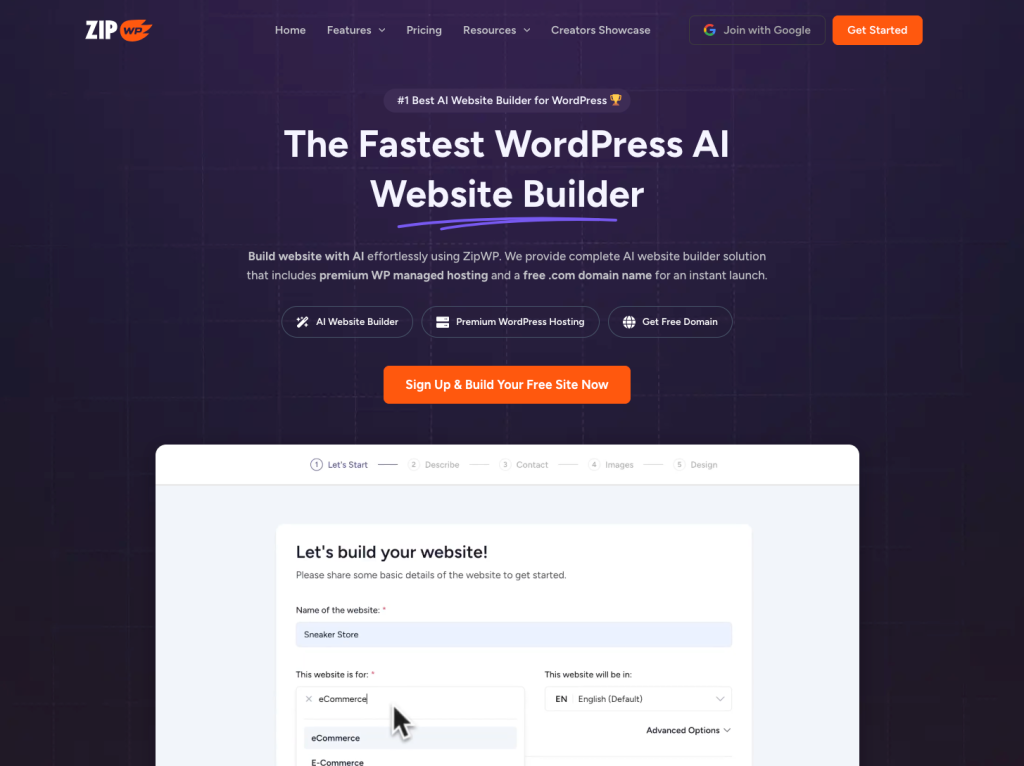
We put ZipWP at the top because it simply delivers. This AI church website builder creates a fully structured WordPress church website in about 60 seconds.
You get essential pages like Plan Your Visit, sermons, ministries, and online giving, plus forms, built in SEO, and ready to use images you can keep or replace.
Hosting is included, so you do not need another provider, but you can move anytime. With ZipWP it’s much easier to customize everything with an easy drag and drop editor.
Pros
- AI Site Planner with sitemap and wireframe validation before launch
- Full WordPress ownership with no platform lock-in
- Permanent free demo site for testing and previews
- Built-in hosting with staging and performance optimization
- Blueprint cloning for multi-campus and church plant expansion
- Automated plugin setup for donations, forms, and church tools
- Adaptive design system that follows your chosen colors and typography
Cons
- WordPress learning curve for complete beginners
- More flexibility means more setup decisions
- Advanced customization may require plugin familiarity
- AI content still benefits from manual review and refinement
Key Features
- AI-powered church website generation in about 60 seconds
- Visual sitemap and wireframe builder with style-aware planning
- Adaptive design system that follows selected colors and typography
- Plugin automation for donations, forms, and church tools
- Blueprint creation and cloning for reusable church site structures
- Built-in hosting with staging, SSL security, and performance controls
- Built-in AI assistant for writing, rewriting, and translation inside WordPress
- White-label domain, branding, and DNS management options for growing ministries
Best for: Churches that want an easy church website builder with AI speed plus long-term flexibility.
2. WordPress + Astra
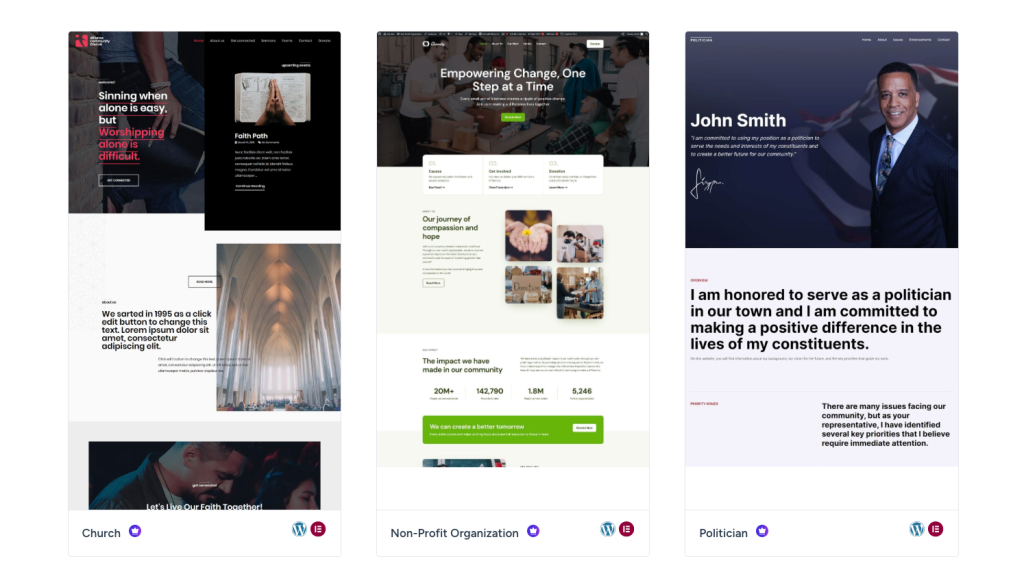
WordPress paired with Astra is one of the most powerful church website platforms available.
If you want total control over church website design, sermon management, online tithing platforms, and long-term scalability, this setup delivers.
It requires more setup, but it gives churches unmatched flexibility, deep customization, and strong church SEO strategies.
Pros
- Highly scalable CMS for churches
- Massive plugin ecosystem
- Strong SEO and schema markup support
Cons
- Requires hosting setup
- Steeper learning curve for beginners
Key Features
- Flexible church website themes
- Sermon library and donation plugins
- Advanced role-based permissions
- Full design control
Best for: Churches building a fully self-hosted church website designed for long-term growth.
3. WP-EZ
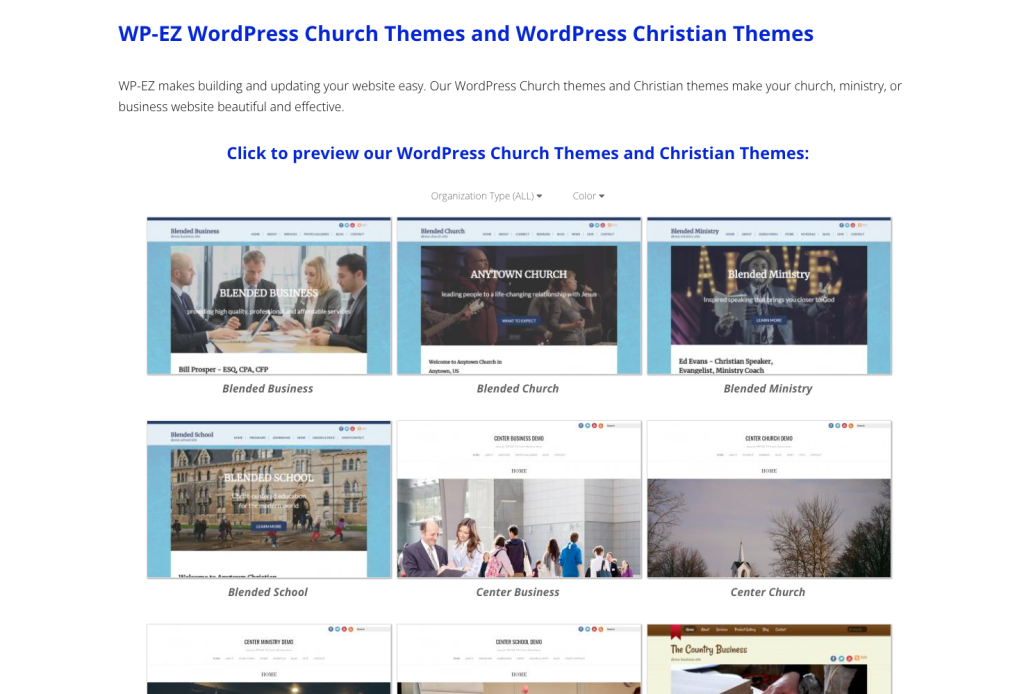
WP-EZ is a Christian website builder powered by WordPress, simplified for churches that want fewer technical steps.
It offers church focused setup and prebuilt templates, so ministries can launch faster without deep CMS knowledge.
You get hosting and domain registration in one place with a single support team.
However, it is a closed platform. You cannot export your site to another host, and you are limited to the available themes and plugins.
Pros
- WordPress foundation
- Church-specific setup
- Managed updates
Cons
- Less flexible than full WordPress
- Smaller plugin ecosystem
Key Features
- Preconfigured church themes
- Sermon support
- Giving integrations
- Managed updates
Best for: Churches wanting a Christian website builder with reduced technical setup.
4. Hostinger Website Builder

Just like ZipWP, Hostinger combines AI website generation with affordable hosting, but it works differently.
It allows churches to build a simple online church platform quickly using a drag-and-drop editor.
While not church-specific, it works best for small congregations that need a basic online presence without advanced sermon management or ministry features.
Curious which one fits your church better? Our Hostinger vs ZipWP comparison breaks it down clearly.
Pros
- Very affordable pricing
- AI site generation
- Built-in SEO tools
Cons
- No built-in donation system
- Limited church-specific functionality
Key Features
- AI layout generation
- Free domain
- Drag-and-drop editor
- SSL security
Best for: Small churches wanting a basic and affordable AI church website builder.
Go to Hostinger Website Builder
Church-Specific All-in-One Platforms
These church website builders include sermon management, online church giving, event tools, and community features in one system. They are ideal for ministries that value convenience over deep customization and prefer an all in one church website platform.
5. Subsplash
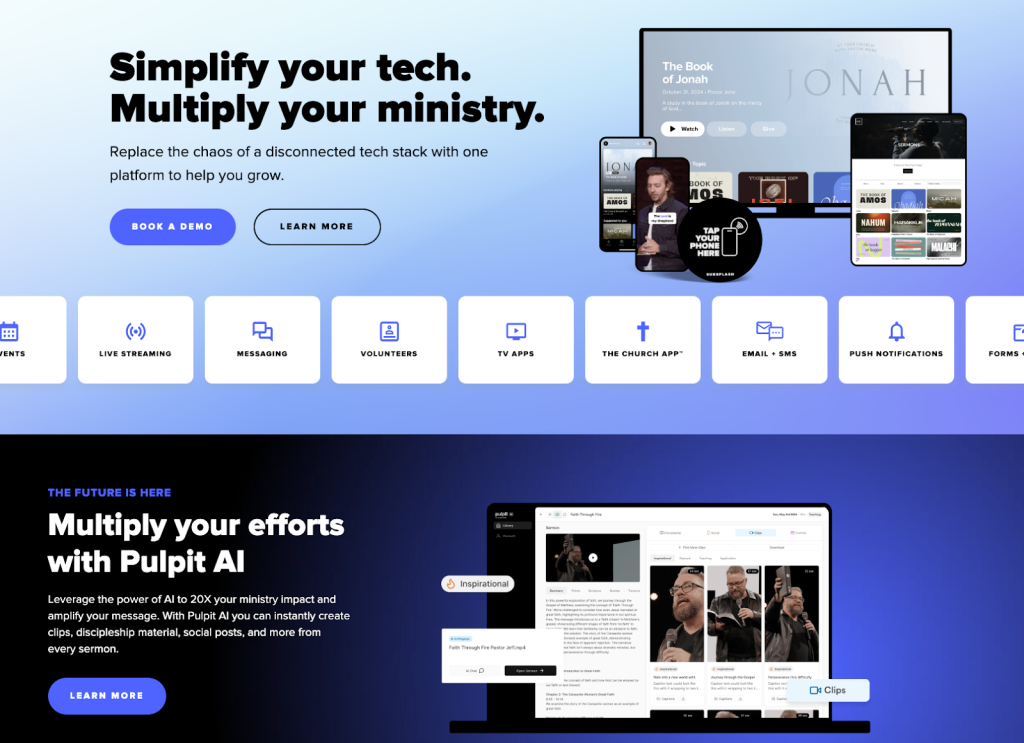
Subsplash is a comprehensive church website platform designed for larger ministries and hybrid worship environments.
It combines a church livestream platform, mobile app builder, sermon hosting, and online giving tools under one ecosystem.
If your church prioritizes digital discipleship strategy and media outreach, Subsplash provides a centralized online ministry solution.
Pros
- Strong church live streaming tools
- Integrated mobile app builder
- Robust media hosting and sermon library
- Built-in online church giving
Cons
- Premium pricing
- Limited deep design customization
- Higher long-term cost
Key Features
- Church livestream platform
- Mobile app integration
- Digital sermon library
- Giving and engagement tools
Best for: Large or multi-campus churches focused on livestream embedding, mobile apps, and hybrid worship.
6. Tithe.ly
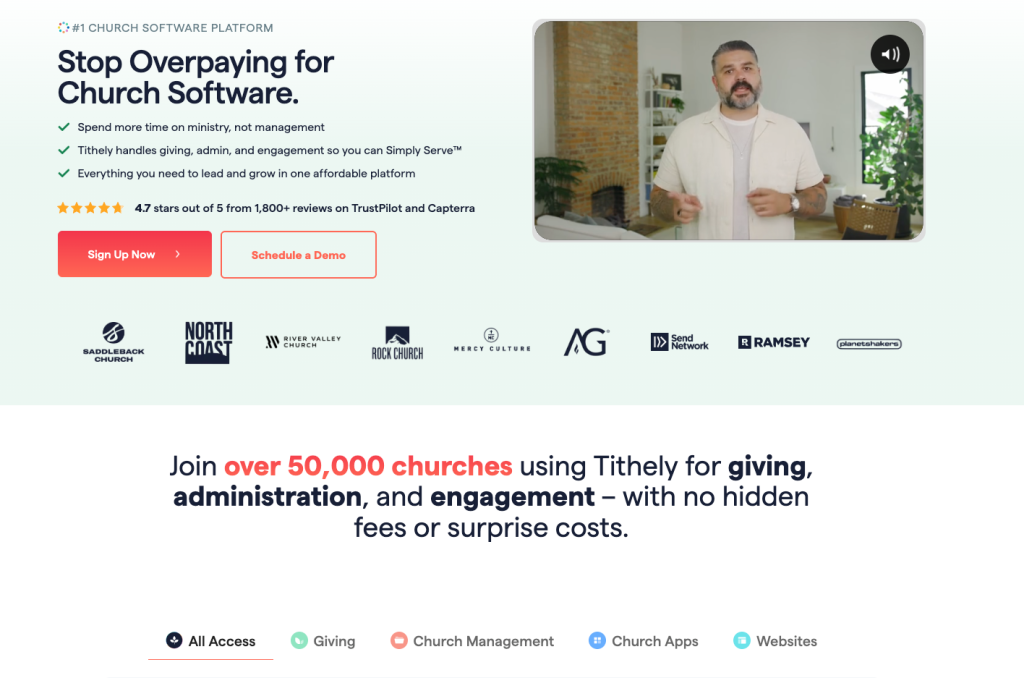
Tithe.ly is best known as a church donation platform, but it also offers a website builder integrated with its online tithing system.
If secure church payments, recurring church donations, and donor management software are your top priorities, Tithe.ly simplifies financial stewardship.
The website builder is secondary, but tightly integrated with giving.
Pros
- Text-to-give support
- Recurring church donations
- Detailed donor management dashboard
- Secure church payment gateway
Cons
- Limited design flexibility
- Higher pricing tiers
- Website customization is basic
Key Features
- Online tithing platform
- Donor analytics
- Fundraising campaign tools
- Church payment processing
Best for: Churches prioritizing online church giving and donor tracking over advanced design.
7. Sharefaith
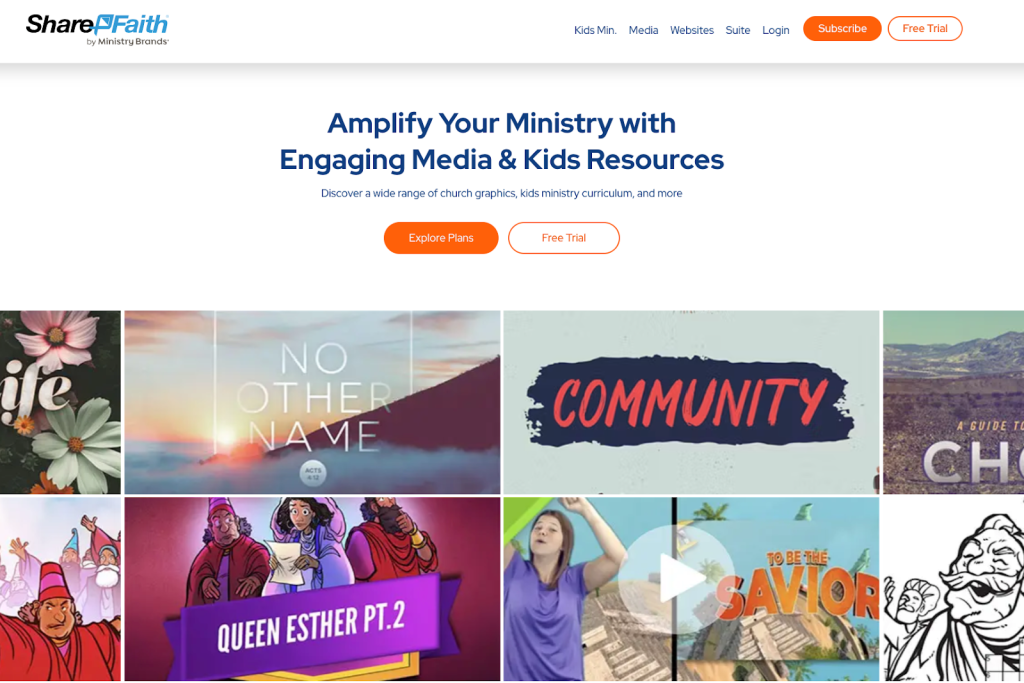
Sharefaith is a ministry-focused website builder that combines sermon management, online giving, event calendars, and a large church media library.
It works well for churches wanting church website templates, graphics, and communication tools bundled together.
It reduces plugin management but limits customization compared to WordPress church solutions.
Pros
- Church-specific templates
- Built-in sermon manager
- Large worship media library
- Integrated giving
Cons
- Expensive pricing
- Less flexible than open CMS platforms
- Migration limitations
Key Features
- Digital sermon archive
- Sharefaith Giving
- Church event calendar
- Mobile app support
Best for: Churches wanting a ministry website builder with media and giving built in.
8. Ministry Designs
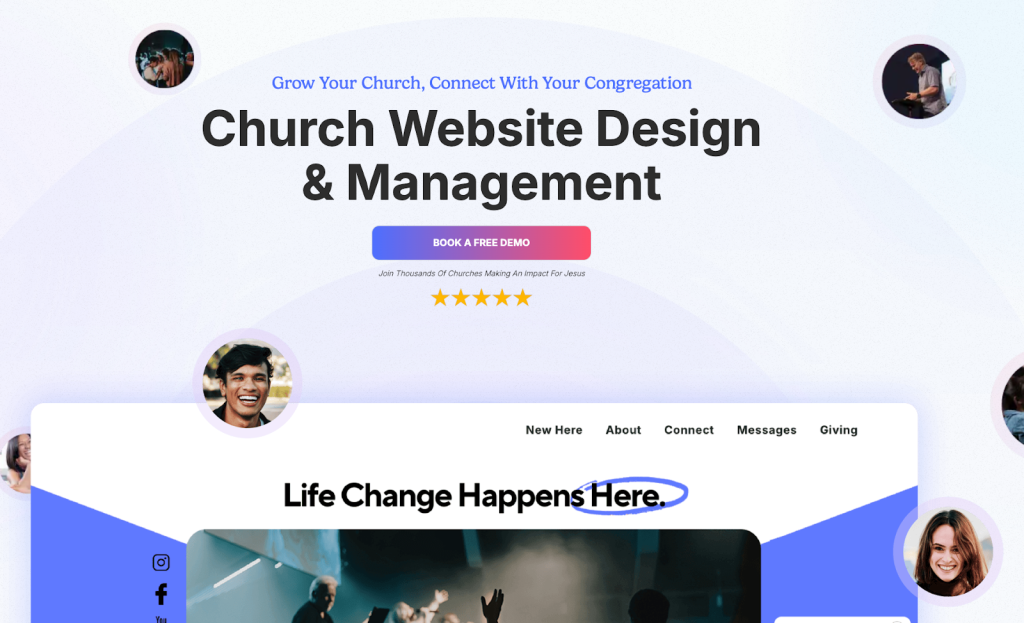
Ministry Designs focuses on hands-on service. It provides church website design software with guided onboarding, SEO help, and a dedicated support team.
Instead of self-building, your church receives structured assistance throughout the process.
This works well for ministries that prefer personal guidance over technical experimentation.
Pros
- Personalized onboarding
- Church-focused tools
- SEO optimization support
- Dedicated support representative
Cons
- High upfront cost
- Limited deep design control
- Less plugin flexibility
Key Features
- Sermon management
- Event management tools
- Built-in giving
- Church SEO guidance
Best for: Churches needing step-by-step assistance and managed support.
9. Nucleus
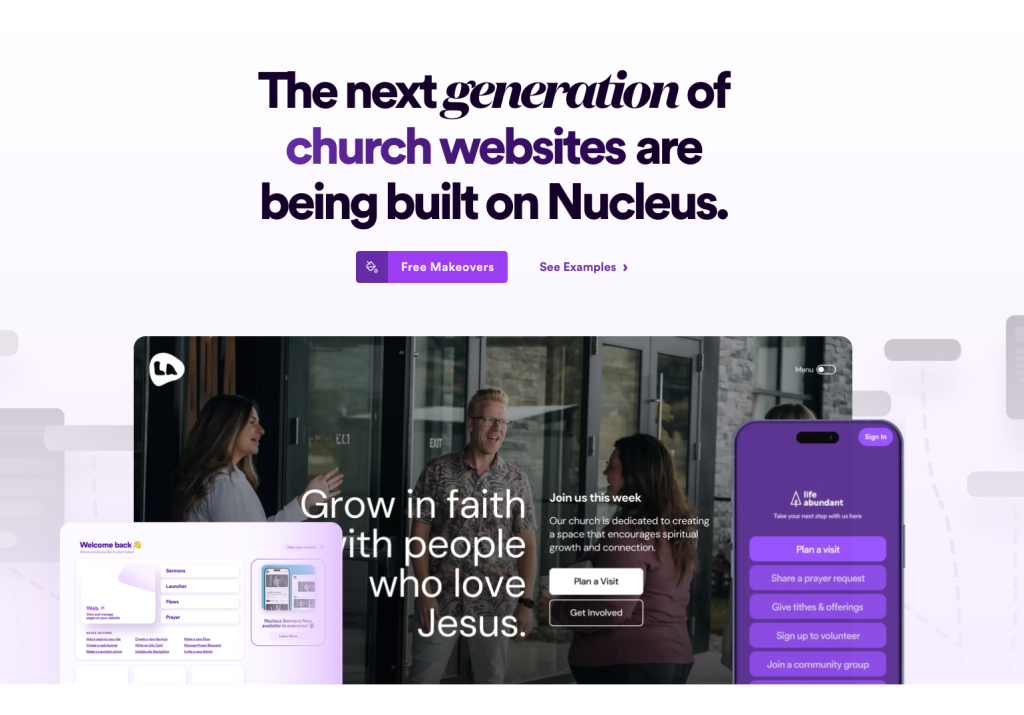
Nucleus positions itself as a church community platform centered around digital engagement.
It emphasizes signup forms, visitor funnels, and church communication tools.
If your goal is improving church digital outreach and member engagement tools rather than advanced customization, Nucleus provides a streamlined approach.
Pros
- Built-in SEO guidance
- Visitor engagement funnels
- Social media templates
- Mobile-first design
Cons
- Limited customization
- No built-in sermon streaming
- Less flexible than WordPress
Key Features
- Signup form tools
- Event management
- Giving integrations
- Engagement tracking
Best for: Churches prioritizing follow-up systems and digital church engagement.
10. Ekklesia360
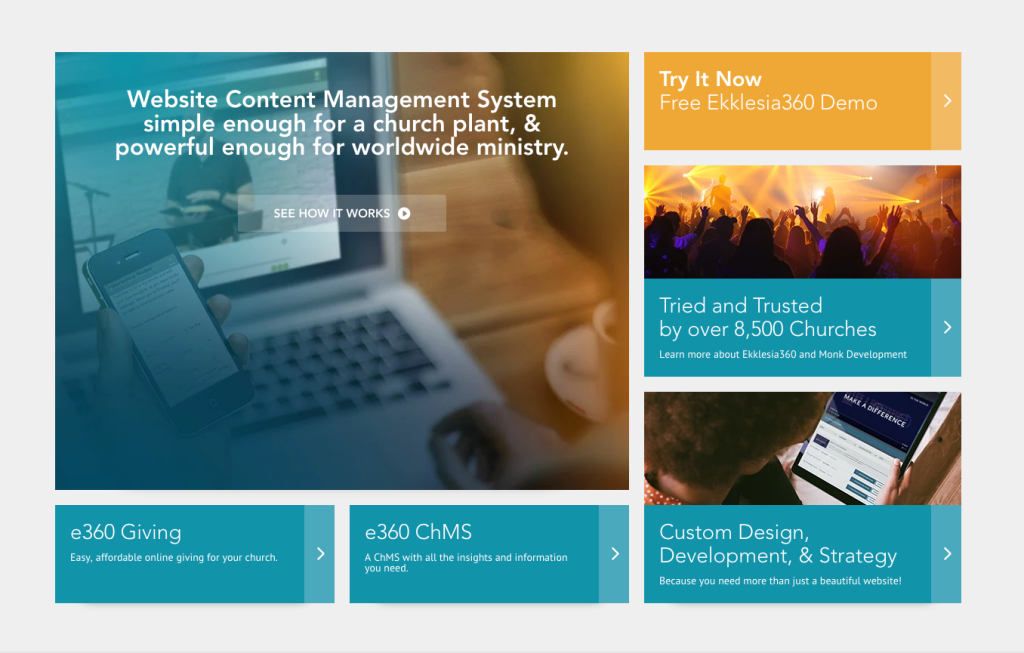
Ekklesia360 is a church CMS designed specifically for mid-sized ministries seeking professional design without building everything themselves.
It offers church-tailored themes, managed giving services, and strong support.
It focuses more on service than flexibility, making it attractive for churches that want stability and structure.
Pros
- Church-specific CMS
- Managed giving integration
- Strong customer support
- Professional theme options
Cons
- Higher monthly pricing
- Limited migration flexibility
- Less extensible than open platforms
Key Features
- Customizable church themes
- Media hosting
- Church app support
- Managed giving services
Best for: Mid-sized churches seeking managed church website solutions with professional oversight.
Sermon and Simplicity-Focused Builders
Some ministries simply want a clean, accessible church website builder that handles sermon archives, podcast distribution, online giving, and basic event tools without overwhelming volunteers. These platforms focus on clarity and ease rather than deep customization.
11. The Church Co
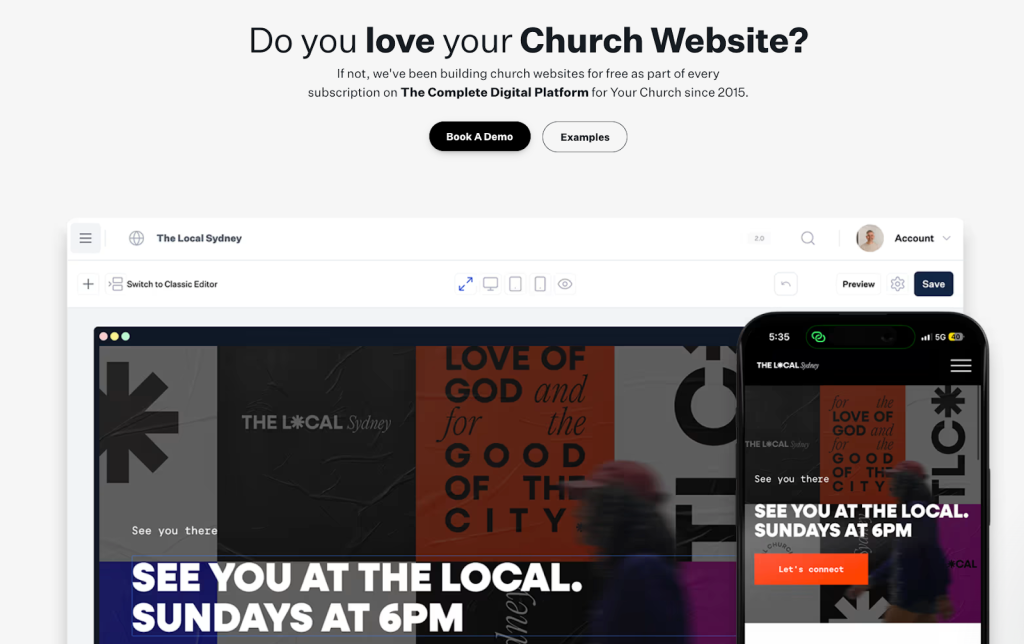
The Church Co is designed for ministries where sermon hosting and podcast distribution are central.
It allows churches to organize sermon archives by series, speaker, and topic while automatically publishing to podcast platforms.
If your church prioritizes media outreach and digital sermon library management, this platform keeps the experience clean and distraction-free.
Pros
- Built-in sermon podcast hosting
- Clean sermon archive filters
- Integrated online giving
- Simple editing interface
Cons
- Basic customization options
- Limited advanced analytics
- Not ideal for complex multi-campus sites
Key Features
- Sermon archive filters
- Podcast distribution tools
- Event calendar
- Media integrations
Best for: Churches focused on sermon podcast hosting and structured media outreach.
12. Church123
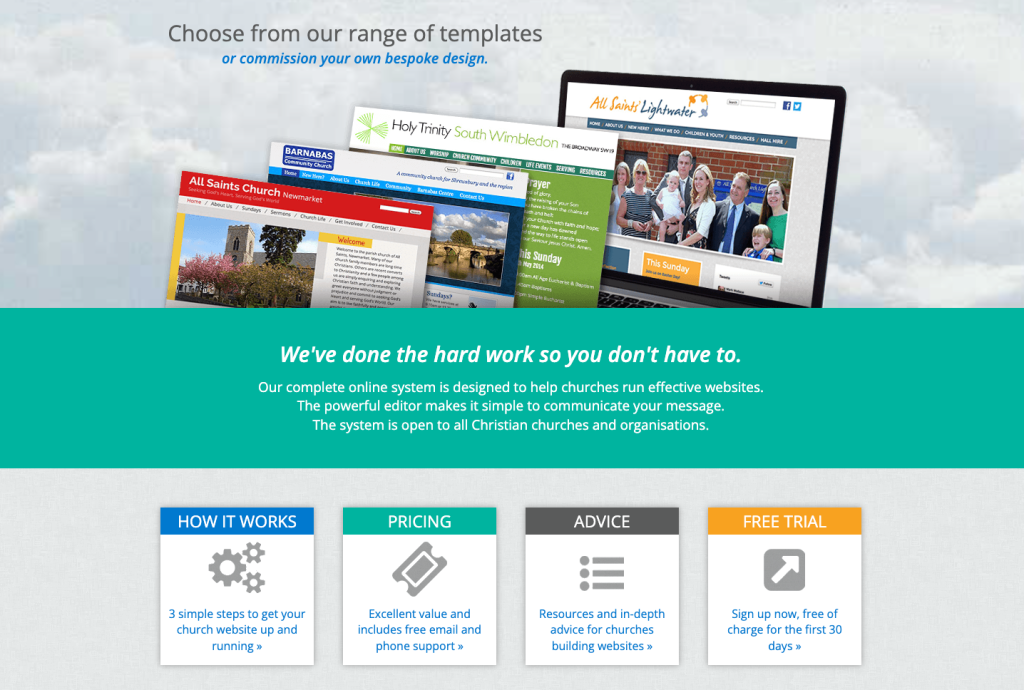
Church123 is built specifically for churches that want straightforward church website templates with accessibility support.
It offers ready-made layouts, donation integrations, and sermon uploads without requiring technical experience.
If your goal is learning how to create a church website quickly and affordably, this builder keeps the process simple.
Pros
- Easy editing for volunteers
- Donation integration
- Accessibility-focused design
- Church-dedicated templates
Cons
- Basic design flexibility
- Limited advanced features
- Fewer integration options
Key Features
- 200+ church templates
- Audio and video sermon uploads
- Event calendar
- Accessibility support
Best for: Small to mid-sized congregations wanting an accessible, easy church website builder.
Design-Focused and General Website Builders for Churches
These platforms are not built exclusively for churches, but they offer strong church website design tools, simple editing, and all-in-one hosting. They are ideal for small congregations that want an easy church website builder without technical setup.
13. Squarespace
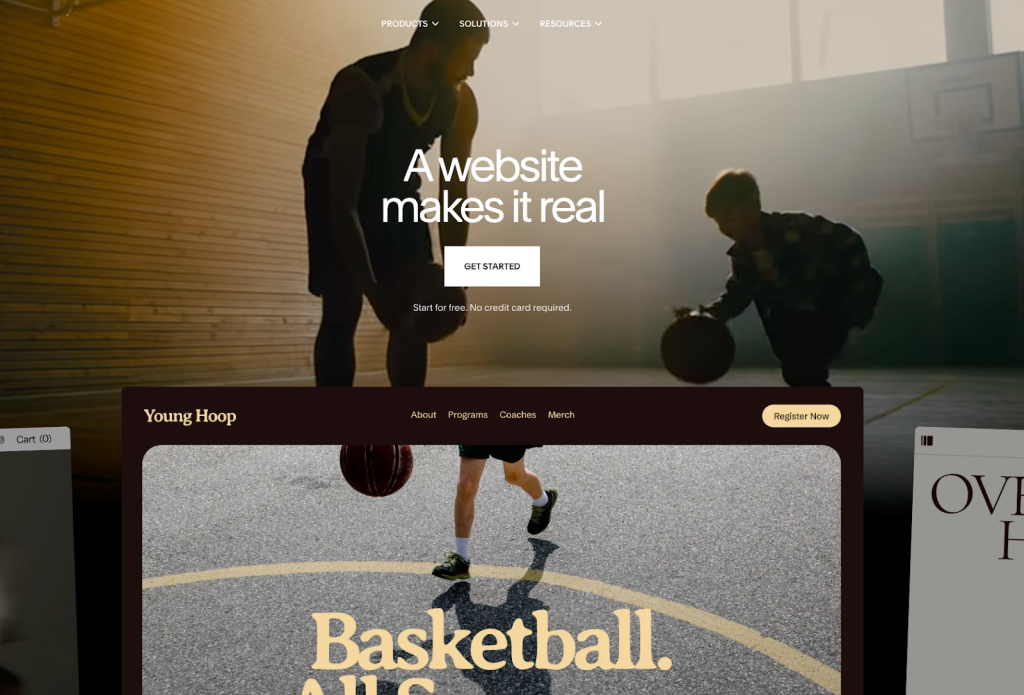
Squarespace is known for elegant, mobile-friendly church website templates that look polished right out of the box.
If your priority is branding, photography, and clean presentation, it delivers a strong visual experience.
It includes built-in hosting and donation blocks, making it a simple option for churches that want minimal setup and solid design consistency.
Do you want to see how Squarespace’s minimal setup compares to ZipWP’s AI powered WordPress church website builder? Explore our in depth comparison.
Pros
- Beautiful responsive design templates
- Built-in hosting
- Integrated donation blocks
- Strong media galleries for sermon hosting
Cons
- Transaction fees on certain plans
- Limited church-specific features
- Migration can be difficult later
Key Features
- Secure online giving blocks
- Built-in analytics
- Media galleries for sermons
- Multiple contributor accounts
Best for: Churches focused on presentation and a clean, professional church website design.
Go to Squarespace
14. Wix
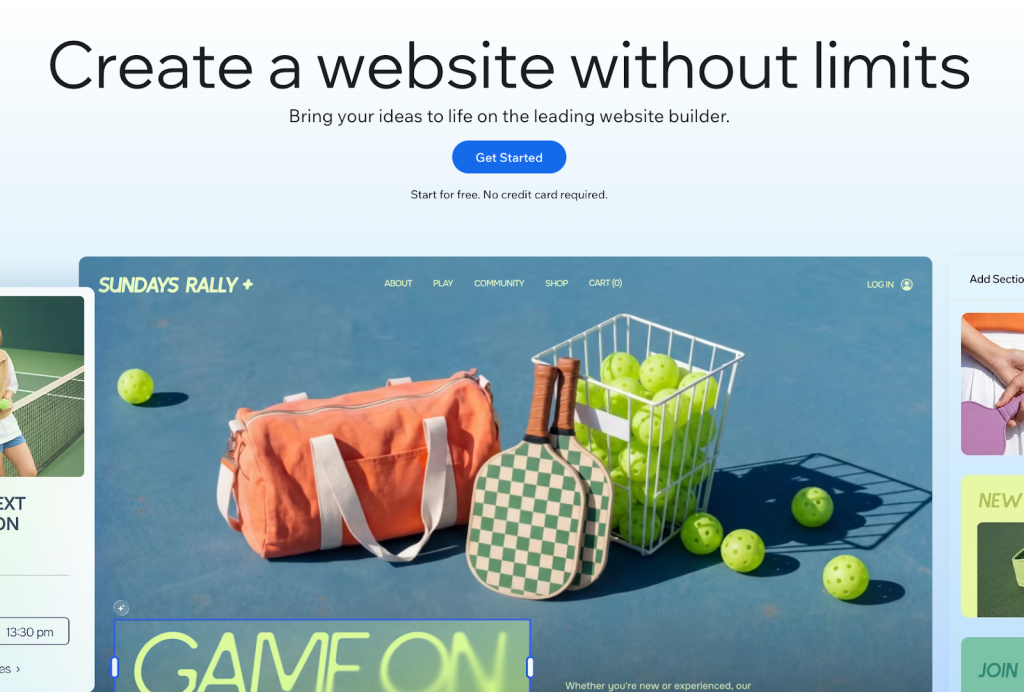
Wix is one of the easiest church website builders available.
Its true drag-and-drop editor allows volunteers to update pages without technical knowledge.
With church website templates and built-in SEO guidance, it works well for small ministries learning how to build a church website from scratch.
However, long-term scalability is more limited compared to WordPress solutions.
For a clearer look at the differences, explore our detailed ZipWP vs Wix comparison.
Pros
- Beginner-friendly editor
- Free plan available
- Built-in SEO wizard
- App marketplace for added features
Cons
- Cannot switch templates after launch
- Limited scalability for growing churches
- Additional transaction fees may apply
Key Features
- Drag-and-drop church website builder
- Donation integrations
- Event calendar tools
- Free SSL certificate
Best for: Small congregations wanting an easy church website builder with minimal learning curve.
15. Weebly

Weebly is a budget-friendly website builder for churches that need simple functionality.
It offers drag-and-drop editing, basic online donation tools, and audio support for sermon uploads.
It works for churches focused on affordability, but it lacks advanced church management software features and deeper customization.
Pros
- Affordable pricing
- Easy editor
- Built-in donation tools
- Simple setup
Cons
- 3 percent transaction fee on some plans
- Limited advanced features
- Not ideal for large or multi-campus churches
Key Features
- App center integrations
- Audio player for sermon hosting
- eCommerce tools
- Email support
Best for: Small churches looking for an affordable church website builder with basic functionality.
| Our handpicked list shows that the best website builder for churches depends on ministry priorities. Some churches need advanced livestream setup and hybrid worship tools. Others simply need reliable sermon hosting and online tithing platforms. After reviewing multiple platforms using the evaluation criteria above, we found that most church website builders either focus on simplicity with limited flexibility or offer powerful tools that require time and technical setup. Based on our comparison, only a small number of platforms aim to balance speed, ownership, scalability, and ministry-specific functionality in one solution. |
Church Website Builder Tips for Long Term Growth
Choosing the best church website builder is not just about features. It is about long term sustainability, stewardship, and growth.
Here are the essentials to evaluate before you commit:
- Church website builder pricing and online giving: Look beyond the monthly fee. Factor in hosting costs, payment processing percentages, recurring church donations, and premium integrations. Online church giving should include secure payment gateways, transparent reporting, and a sustainable digital tithe system without hidden fees.
- Sermon migration and media strategy: Protect your sermon archive during platform migration. Confirm you can export sermons, preserve metadata and speaker tags, maintain URL structure, and support livestream integrations or podcast distribution without hurting search visibility.
- AI church website builder tools: AI powered church website tools can assist with ministry content drafting, page structure planning, layout suggestions, and troubleshooting. Used wisely, AI reduces administrative strain and helps volunteer teams launch faster.
- Local church SEO and visibility: Strong church SEO includes an optimized Google Maps church listing, consistent name, address, and phone details, schema markup for churches, and location based keywords. This improves visibility for searches like “church near me.”
- SEO protection during migration: Use 301 redirects, maintain URL consistency, submit an updated sitemap, and monitor search console for crawl errors. A smooth website migration protects your digital outreach and accumulated rankings.
- Hybrid ministry and mobile friendly church website design: A mobile friendly church website should support livestreams, secure giving, event access, and prayer requests on any device. In a hybrid worship model, mobile optimization is central to effective church online ministry.
Why ZipWP Stands Out for Churches in 2026
As an AI church website builder built on WordPress, ZipWP combines speed with long-term ownership. In our evaluation, that balance makes it especially relevant for churches planning beyond the next Sunday.
AI Site Planner With Real Structure
Many AI powered church website tools focus on speed. But without structure, fast builds can turn messy.
ZipWP’s AI Site Planner validates your site structure before generating your full WordPress church website.
You define key pages like New Here, Watch Online, Give, and ministry sections first, so the layout reflects how your church actually operates.
Once built, Spectra enhances the WordPress editor with drag and drop blocks, call to action sections, testimonials, and ministry focused layouts.
Volunteers can update pages easily while keeping the site mobile friendly and consistent.
This structured approach helps you:
- Map your ministries clearly
- Organize sermons and events logically
- Review a wireframe before launch
Because it is a real WordPress site, you own a self hosted church website that can grow with your ministry.
For church SEO, visibility matters. With tools like SureRank, you can optimize for terms like church near me, add schema markup for service times, and improve on page SEO without coding, helping strengthen local search and Google Maps visibility.
Sermon and Media Hub Flexibility
Churches rarely outgrow their need for sermons. They often outgrow their platform’s limitations.
With ZipWP, your sermon hub is not confined to basic media blocks. You can build a searchable archive, integrate podcast feeds, and embed church live streaming tools using plugins like Presto Player.
This flexibility supports:
- A structured sermon archive by topic or speaker
- Sermon podcast hosting across major platforms
- A growing digital media library
- Hybrid worship models with online access
You are not limited to preset layouts but you can design a media experience that fits your ministry rhythm.
Community Expansion Without Lock-In
Church websites often start simple, then grow into full community platforms.
ZipWP supports that growth with church automation tools and plugin integrations.
Here’s how it works:
- SureMembers lets you create secure member portals for leadership resources, volunteer training, and gated church content, helping your church website function as a true community platform.
- SureForms makes it easy to collect prayer requests and event registrations without complex setup, supporting smoother church communication and engagement.
- SureMail improves email deliverability so prayer requests, volunteer confirmations, and event notifications reliably reach members through your digital communication tools.
As a result, your church website becomes more than a brochure. It becomes a living community hub, without platform lock in. As your ministry grows, your tools grow with it.
Giving Flexibility and Stewardship
Giving is central to ministry sustainability. But not all platforms handle it transparently.
With ZipWP, you get built-in tools like SureCart to enable online church giving without permanent lock-in. You control your payment gateway, fee structure, and donor data.
This supports:
- Recurring church donations
- Secure payment processing
- Flexible fundraising campaigns
- Digital tithe box functionality
If you ever change payment providers, your WordPress church website remains intact. That level of ownership reflects long-term stewardship.
Blueprint Cloning for Multi-Campus Growth
Few builders offer church blueprint cloning. With ZipWP, you can create a master site and duplicate it for youth ministries, church plants, or multi-campus locations.
Each campus can adjust content while maintaining design consistency.
For growing ministries, this reduces setup time and maintains brand unity across locations.
It is especially valuable for:
- Church networks
- Multi-campus ministries
- Denominational organizations
- Rapid church planting efforts
Secure, Scalable Church Website Growth
ZipWP includes cloud hosting for church websites with built in security and a full staging environment.
You can:
- Test updates in a church website staging area.
- Improve loading speed for sermons and media.
- Maintain secure giving with SSL encryption.
This reduces technical stress for volunteers.
AI troubleshooting tools assist when issues arise, which helps non technical teams stay confident.
In short, ZipWP brings together AI speed, WordPress flexibility, church automation tools, and scalable cloud hosting in one system.
You get ownership, growth potential, and ministry focused expansion without platform lock in.
Final Thoughts
Choosing the best church website builder depends on your ministry size, digital strategy, and long term vision.
Smaller congregations may prefer an easy church website builder with templates and bundled hosting. Churches focused on media and hybrid worship need reliable sermon hosting and livestream tools.
If online church giving is central, review church website builder pricing and transaction fees carefully.
For long term growth, ownership matters. A WordPress church website supports scalability, deeper church SEO strategies, and full control over your data.
ZipWP combines AI speed with WordPress flexibility, secure giving, church blueprint cloning for multi campus expansion, and mobile friendly church website design without platform lock in.
Choose the platform that will support your ministry not just today, but five years from now, and help you stay visible when someone searches “church near me.”
FAQs
Join 931,900 Subscribers
Disclosure: This blog may contain affiliate links. If you make a purchase through one of these links, we may receive a small commission. Rest assured that we only recommend products that we have personally used and believe will add value to our readers. Thanks for your support!